Free for teams up to 5 users. Start free trial →
Your Cloud.
Your Docs.
Your Control.
The better Google Docs in
Private Cloud.


One platform. Six essential tools.
Everything your team needs to write, organize, collaborate, and manage work in one place.
Document
Writer
Sheet
Presentation
Form
Table
Create together in Docs
Write, edit, comment, and share documents with your team in one connected workspace.
Comment
Create
Review
Share

Collaboration without giving up control
Give teams a Google Docs-style editing experience while keeping data, access, and deployment under your control.
Private Deployment
Private Deployment
Deploy ShimoDocs in your own cloud or data center and keep documents within your environment.
Deploy ShimoDocs in your own cloud or data center and keep documents within your environment.

Centralized Administration
Centralized Administration
Organize departments, add members, and manage organization roles from one central console.
Organize departments, add members, and manage organization roles from one central console.


See every action. Stay in control.
Track document activity, monitor sharing changes, and keep a clear audit trail across your organization.
Requst a Demo
Book A Demo
Work That Flows
Keep documents, conversations, and updates connected, so everyone knows what changed and what comes next.
Shared Context
Bring People In
Always Up to Date


AI on Your Terms
Connect the AI services you choose and bring smarter assistance into every document.
Bring Your Own AI
Draft, summarize, rewrite, and translate content with the AI services that fit your organization.

ShimoDocs vs Google Docs
Get the familiar collaboration experience of Google Docs, with the security, control, and flexibility of private deployment.
Get the familiar collaboration experience of Google Docs, with the security, control, and flexibility of private deployment.
Feature
ShimoDocs
Google Docs
More control. More security. Only with Shimo.
Private deployment
Deploy on your own servers or private cloud.
Yes
Public cloud only
Full data ownership
Your data stays in your environment.
Yes
Google-managed
SSO & enterprise directory
Integrate with SSO, LDAP, AD, and more.
Yes
Limited
Audit logs & compliance
Detailed audit logs for security and compliance.
Yes
Limited
Advanced admin controls
Fine-grained admin policies and controls.
Yes
Basic controls
Open API & extensibility
Open API for custom integrations and automation.
Yes
Limited
The collaboration experience you already know.
Real-time collaboration
Edit together in real time.
Yes
Yes
Familiar document editing
Docs-style editing experience.
Yes
Yes
Comments & suggestions
Comment, reply and suggest changes.
Yes
Yes
Sharing & permissions
Share securely with view, edit, or comment access.
Yes (Advanced controls)
Yes (Basic controls)
ShimoDocs combines the best of Google Docs experience with enterprise-grade security and control.
Trusted by leading companies worldwide



FAQ
Frequently Asked Questions
Get answers to common questions here.
What is ShimoDocs?
ShimoDocs is a private cloud document collaboration platform with six office suites, real-time collaboration, enterprise permissions, and greater control over business data.
How is Shimo different from Google Docs?
Can Shimo be deployed in our private cloud?
Can Shimo work with our existing AI tools?
What is ShimoDocs?
ShimoDocs is a private cloud document collaboration platform with six office suites, real-time collaboration, enterprise permissions, and greater control over business data.
How is Shimo different from Google Docs?
Can Shimo be deployed in our private cloud?
Can Shimo work with our existing AI tools?
ONLINE TRIAL
Start Your Online Trial
Start Your Online Trial
Experience ShimoDocs in a secure online environment. Tell us a little about your team and we’ll send your trial access details by email.
Experience ShimoDocs in a secure online environment. Tell us a little about your team and we’ll send your trial access details by email.
Your Cloud.
Your Docs.
Your Control.
The better Google Docs in
Private Cloud.
One platform. Six essential tools.
Everything your team needs to write, organize, collaborate, and manage work in one place.
Document
Writer
Sheet
Presentation
Form
Table
Create together in Docs
Write, edit, comment, and share documents with your team in one connected workspace.
Comment
Create
Review
Share
Collaboration without giving up control
Give teams a Google Docs-style editing experience while keeping data, access, and deployment under your control.
Private Deployment
Deploy ShimoDocs in your own cloud or data center and keep documents within your environment.
Centralized Administration
Organize departments, add members, and manage organization roles from one central console.
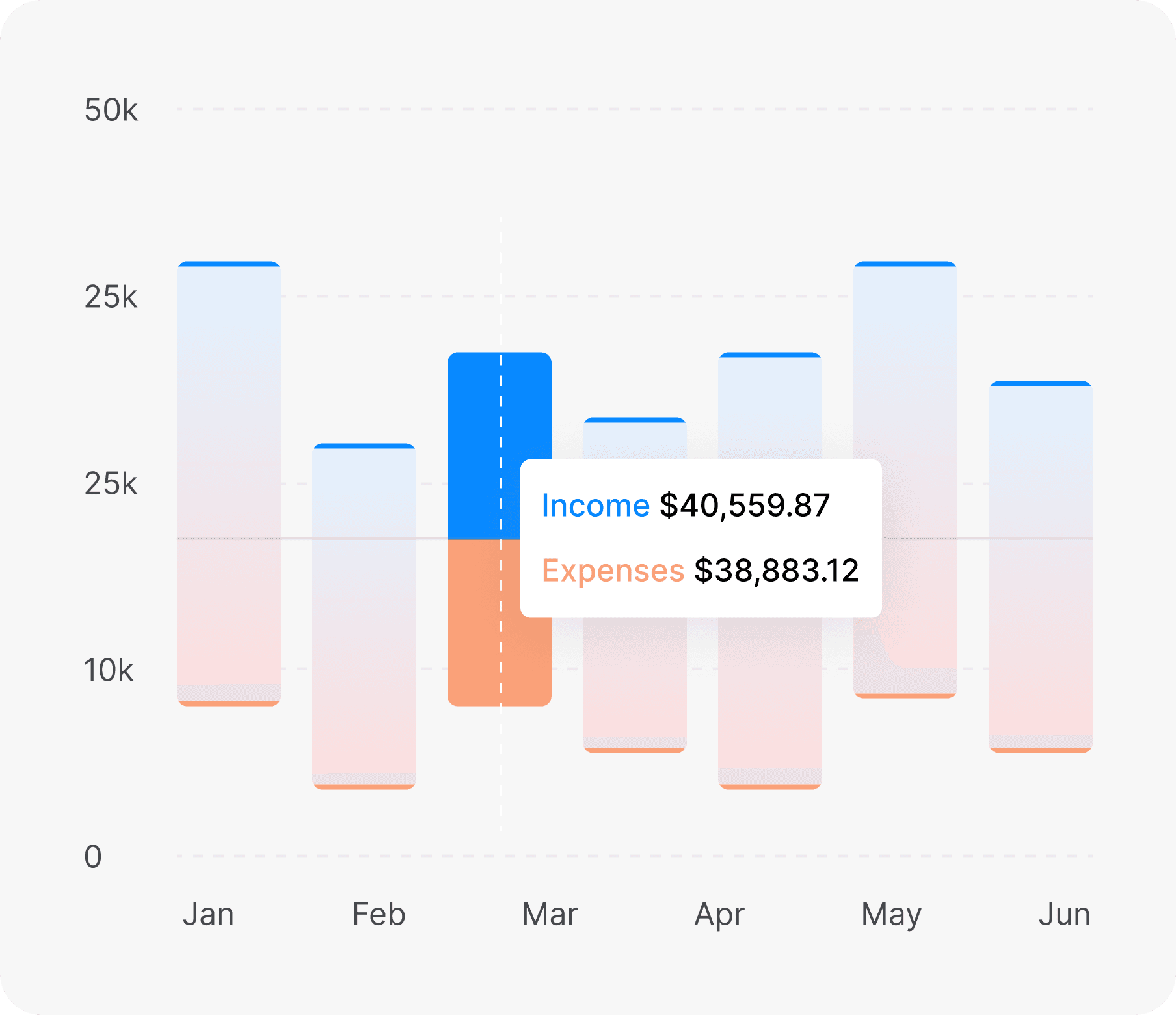
See every action. Stay in control.
Track document activity, monitor sharing changes, and keep a clear audit trail across your organization.
Book A Demo
Work That Flows
Keep documents, conversations, and updates connected, so everyone knows what changed and what comes next.
Shared Context
Bring People In
Always Up to Date
AI on Your Terms
Connect the AI services you choose and bring smarter assistance into every document.
Bring Your Own AI
Draft, summarize, rewrite, and translate content with the AI services that fit your organization.
ShimoDocs vs Google Docs
Get the familiar collaboration experience of Google Docs, with the security, control, and flexibility of private deployment.
Feature
ShimoDocs
Google Docs
More control. More security. Only with Shimo.
Private deployment
Deploy on your own servers or private cloud.
Yes
Public cloud only
Full data ownership
Your data stays in your environment.
Yes
Google-managed
SSO & enterprise directory
Integrate with SSO, LDAP, AD, and more.
Yes
Limited
Audit logs & compliance
Detailed audit logs for security and compliance.
Yes
Limited
Advanced admin controls
Fine-grained admin policies and controls.
Yes
Basic controls
Open API & extensibility
Open API for custom integrations and automation.
Yes
Limited
The collaboration experience you already know.
Real-time collaboration
Edit together in real time.
Yes
Yes
Familiar document editing
Docs-style editing experience.
Yes
Yes
Comments & suggestions
Comment, reply and suggest changes.
Yes
Yes
Sharing & permissions
Share securely with view, edit, or comment access.
Yes (Advanced controls)
Yes (Basic controls)
ShimoDocs combines the best of Google Docs experience with enterprise-grade security and control.
Trusted by leading companies worldwide
FAQ
Frequently Asked Questions
Get answers to common questions here.
What is ShimoDocs?
ShimoDocs is a private cloud document collaboration platform with six office suites, real-time collaboration, enterprise permissions, and greater control over business data.
How is Shimo different from Google Docs?
Can Shimo be deployed in our private cloud?
Can Shimo work with our existing AI tools?
ONLINE TRIAL
Start Your Online Trial
Experience ShimoDocs in a secure online environment. Tell us a little about your team and we’ll send your trial access details by email.